
Locators
Locator Strategies: CSS Selectors That Survive a Redesign
A practical guide to CSS selectors for test automation: attribute operators, pseudo-classes, combinators, and how to write the kind that survives a redesign.
The Journal
Practical writing on software quality, automation, AI-assisted development, mobile apps, games, and the messy release decisions that make products safer to ship. Everything here comes from real projects, not theory.
New here? Try the guided reading paths.
A practical guide to CSS selectors for test automation: attribute operators, pseudo-classes, combinators, and how to write the kind that survives a redesign.
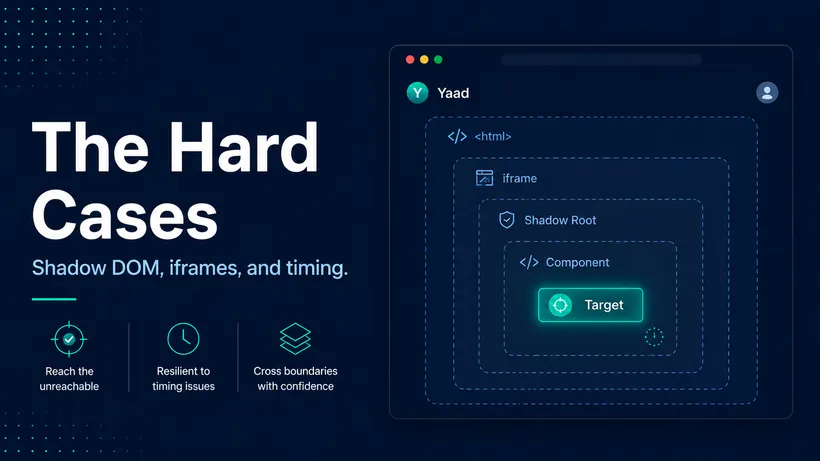
Sometimes a perfectly good selector still finds nothing. Here are the four hard cases, shadow DOM, iframes, timing, and scope, and the exact move for each.
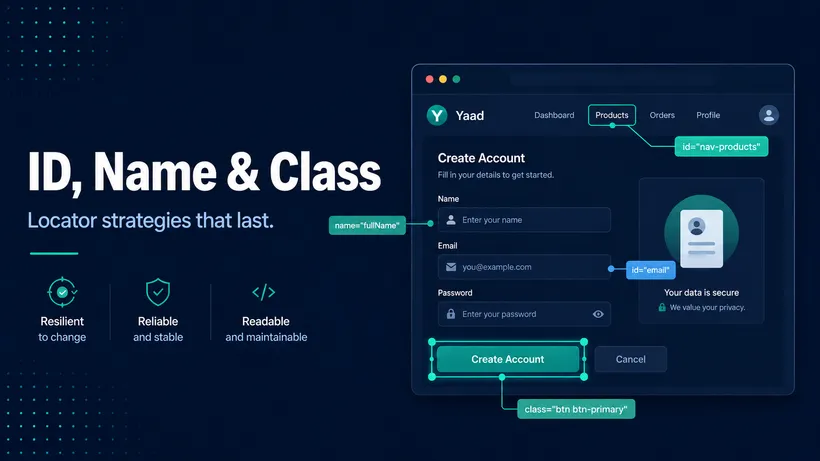
ID, name, and class are the first locators every tester learns. Here is when each one is safe to target, and how to spot the ones that look stable but are not.
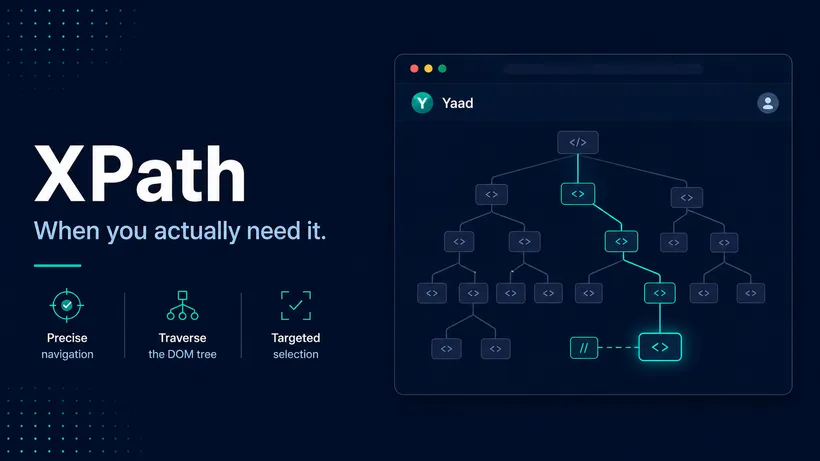
Most days you do not need XPath. For the few things CSS cannot do, it is the right tool. When to reach for it, and how to write the relative kind.
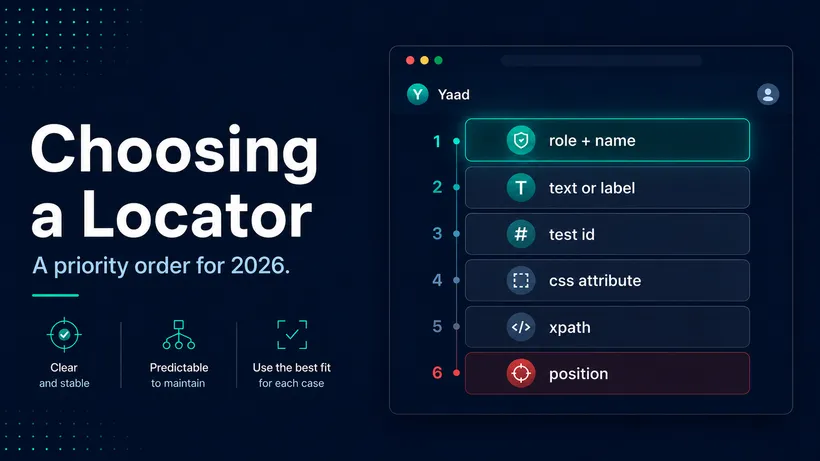
You can find an element a dozen ways. Here is the order I reach for locators in 2026, why it changed since 2020, and how locating like a user adds stability.

If testing always lands in a panic on the last day of the sprint, the problem is not how fast QA works. It is how late QA gets pulled in. Here is the fix.
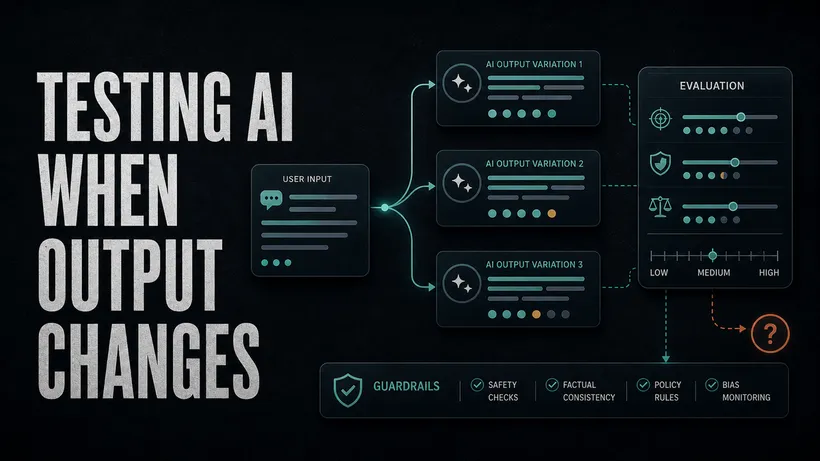
When an AI feature gives a different answer every time, pass-or-fail testing breaks. How to test non-deterministic AI output without losing your standards.

You do not need to be a penetration tester to catch the security bugs that hurt your users most, and most of them are already in reach of the tools you have.
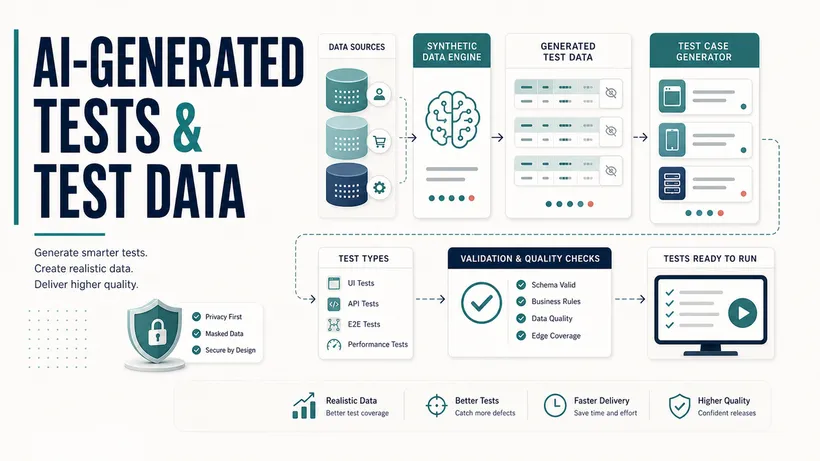
AI will not decide what is worth testing, but it gives you breadth fast: a test plan, a first draft, a pile of nasty data. How to use that without getting burned.

When a team has to ask whether a failing test is lying, confidence is gone. How to confirm a test is flaky, find the real cause, and fix or delete it.
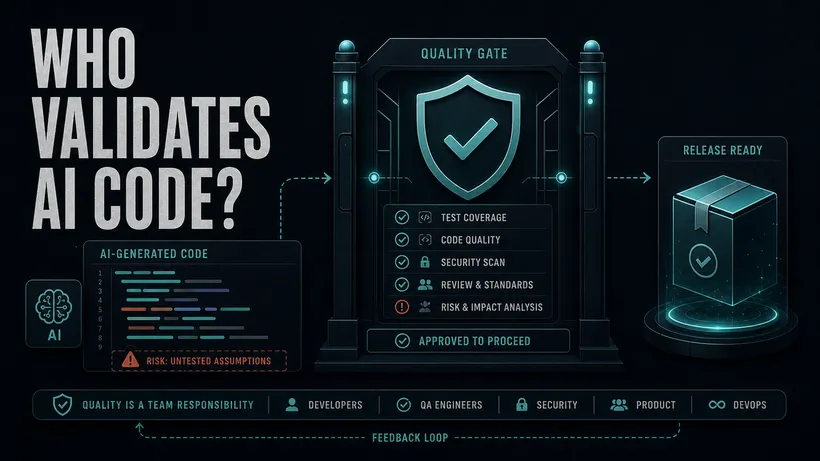
When an AI writes the code, a person still owns that it is right. How teams assign clear accountability for AI-assisted changes before they ship.

Mobile apps get backgrounded, killed, interrupted by calls, and dropped onto bad networks. How to test the runtime conditions that produce the worst mobile bugs.
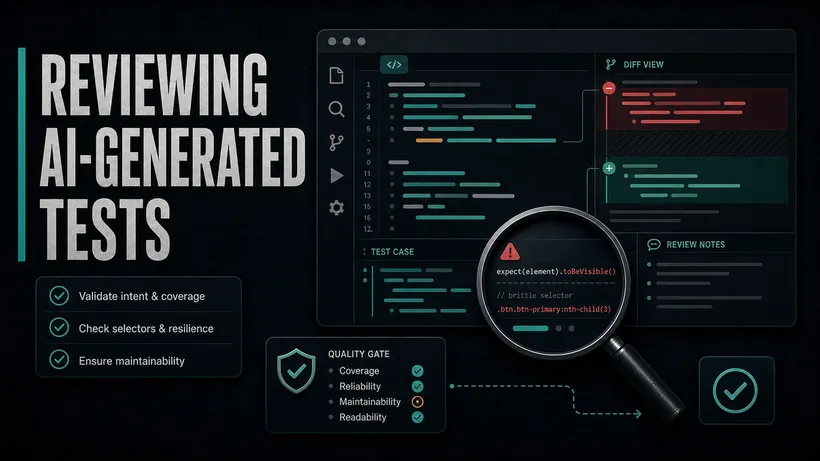
An AI agent can write a hundred passing tests before lunch. How to review AI-generated tests and decide which ones actually protect your product.
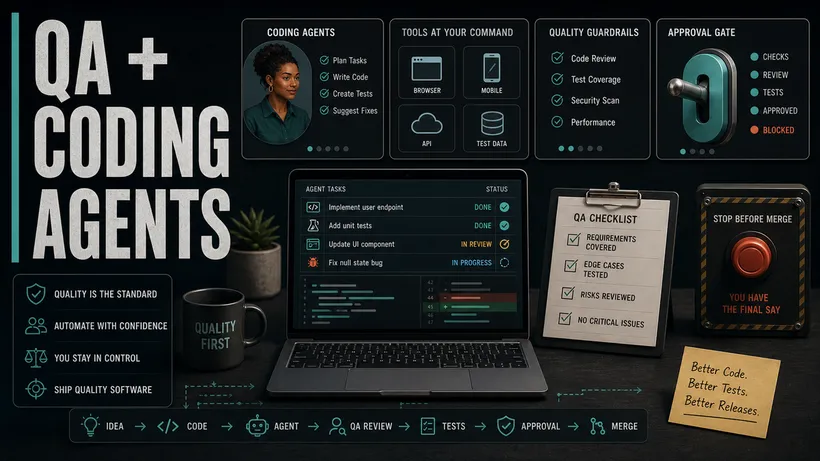
An agent's fix passed the test ten out of ten and was still wrong. How a QA engineer scopes tasks, sets the fences once, and judges what a coding agent brings back.
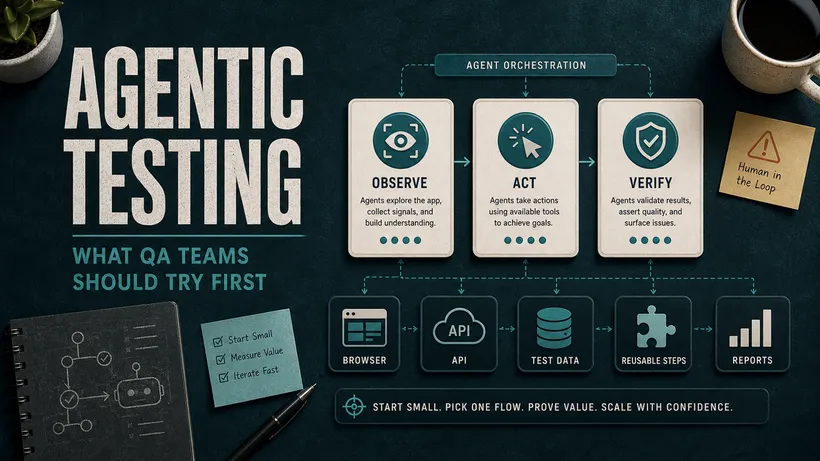
An AI agent can now write the test, run it, and open the pull request. The skill is setting the guardrails and judging the evidence it brings back.
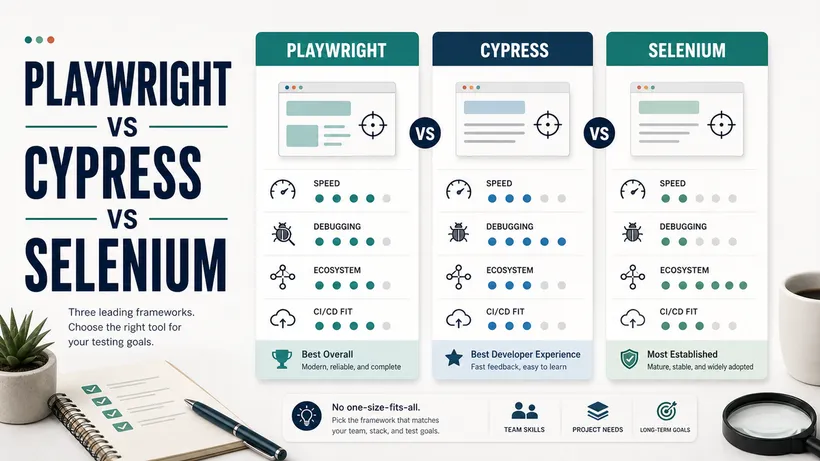
Playwright, Cypress, and Selenium are no longer evenly matched in 2026. An honest comparison of speed, flakiness, and which to choose for your team.

When the same AI writes the code and the tests, a green checkmark is one witness vouching for itself. These 6 checks put real evidence back into the loop.
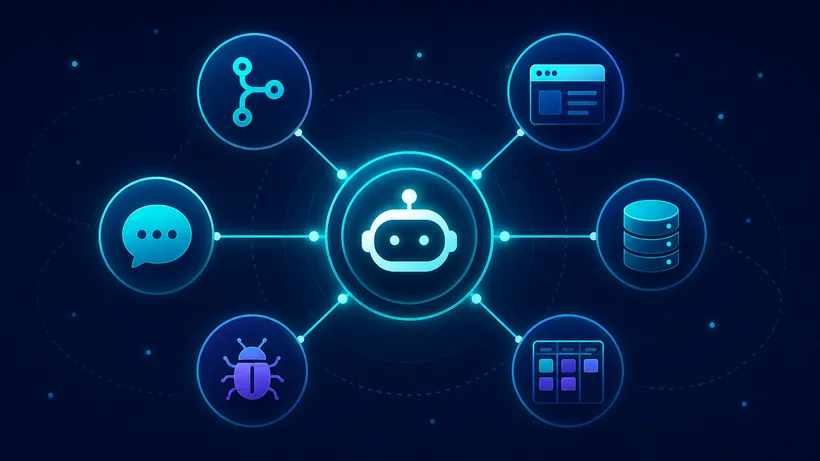
An AI agent is only as good as what it can reach. The Model Context Protocol servers that change QA work, with the exact commands to switch them on safely.
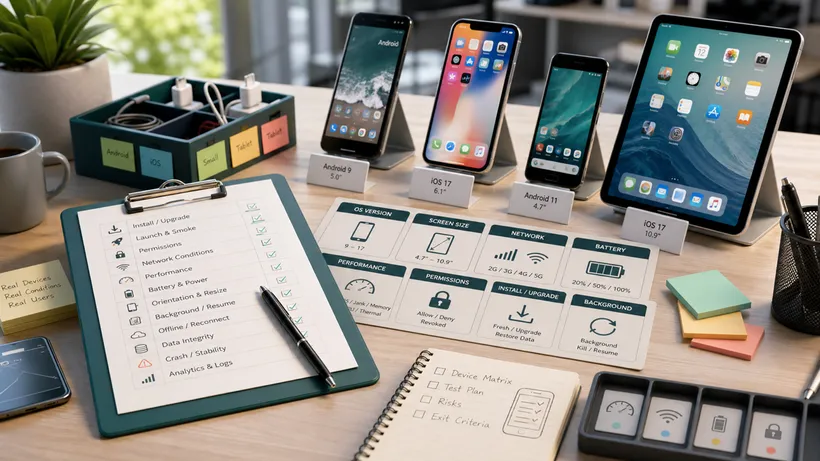
Mobile apps fail on dropped networks, denied permissions, and old phones. A real-device mobile app testing checklist for the conditions users actually hit.
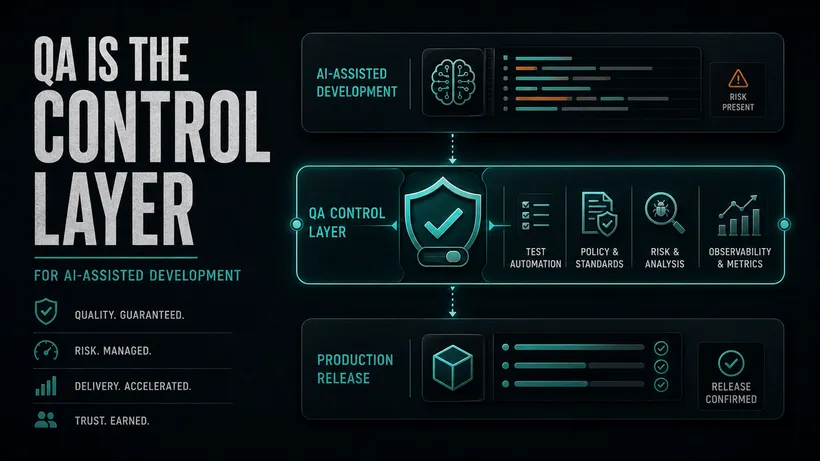
AI can ship a pull request before you finish describing the bug. Someone still has to decide whether users can trust it. That someone is you.
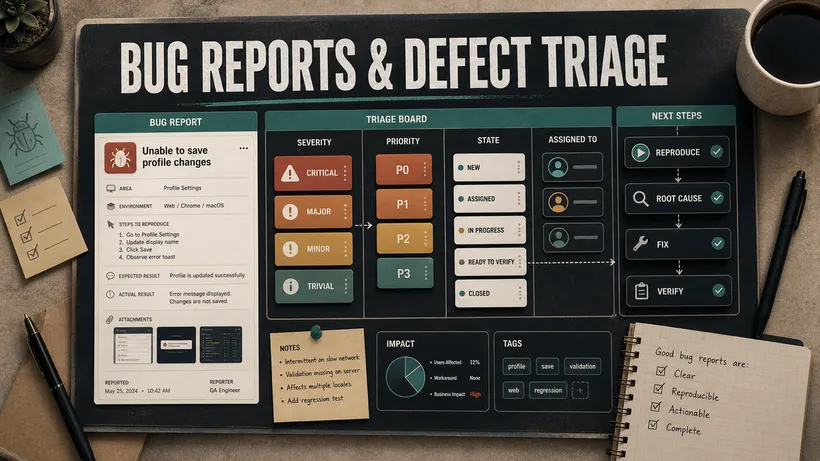
A bug nobody can reproduce never gets fixed. How to write a bug report developers act on first time, with severity vs priority done right.
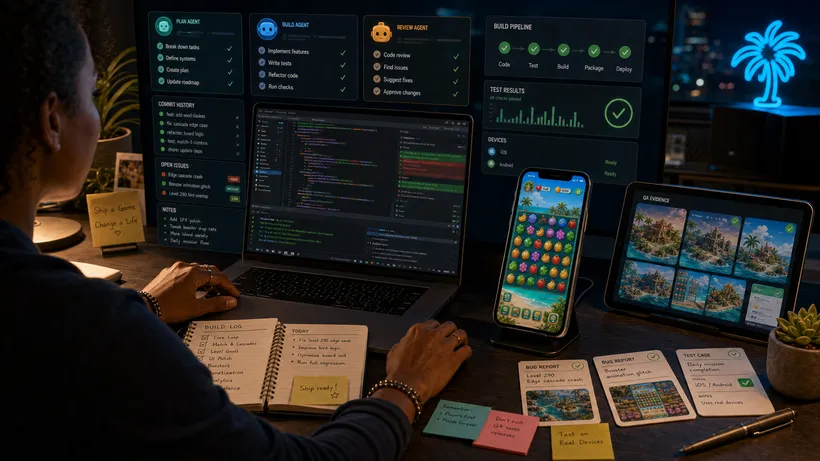
Building with AI agents, the hard question is knowing a feature is done. Here is the trust chain I used to ship Tropic Tumble, where green is a hypothesis.

AI agents can inspect screenshots, but they still miss visual problems in a real game. The pixel, touch, and trust bugs I caught, plus the human pass that found them.

AI can inspect screenshots, compare pixels, and verify structure. See what each visual testing method proves, misses, and still leaves for human QA.

How I designed and implemented Tropic Tumble's match-3 powers, combos, difficulty, and game feel with AI, including real Godot rules and contract tests.

I built Tropic Tumble in Godot and shipped it on Android and iOS. Why I would choose Godot again, and what mattered: renderer, screens, exports, store gates.

How I designed Tropic Tumble's mobile screens, art families, and island music with AI, then turned generated candidates into production assets.

Building a mobile game solo, I did not pick one AI tool. ChatGPT designed, Cursor and Codex built, Claude reviewed, and I stayed the gate. Here is the system.
I built Tropic Tumble, a real mobile match-3 game, mostly with AI coding agents. The honest log: what came fast, what took months, and what launch really took.

Tropic Tumble is live. A tropical match-3 game, 300 islands, 3,000 levels, built by one person with AI agents under JPott Studios. Here is the launch story.
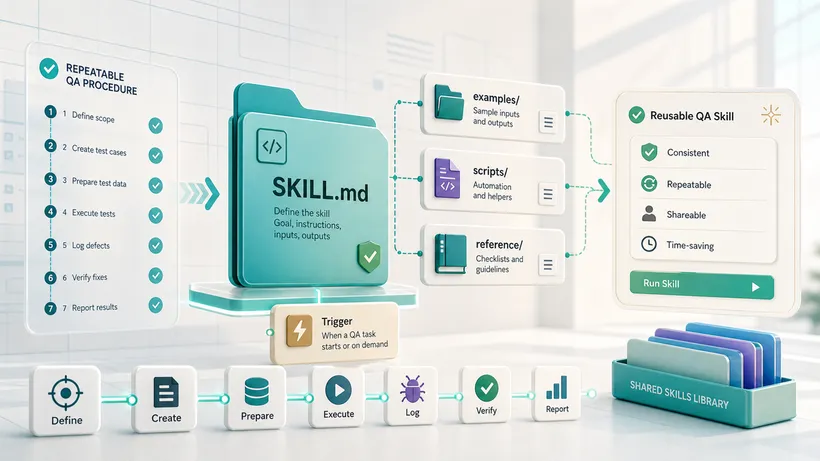
You keep pasting the same QA procedure into chat. A Claude skill captures it once, in a folder the agent reads on its own. Here is how to build your first one.
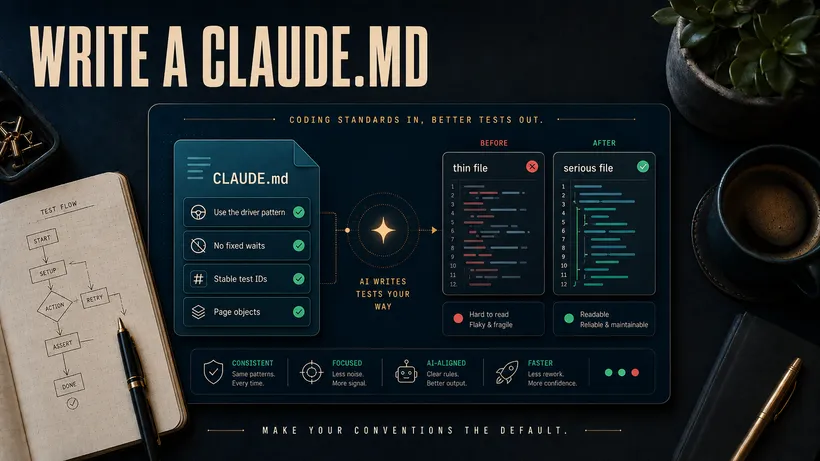
A coding agent writes whatever your codebase nudges it toward. Write a CLAUDE.md or AGENTS.md so generated tests follow your conventions and come back reviewable.
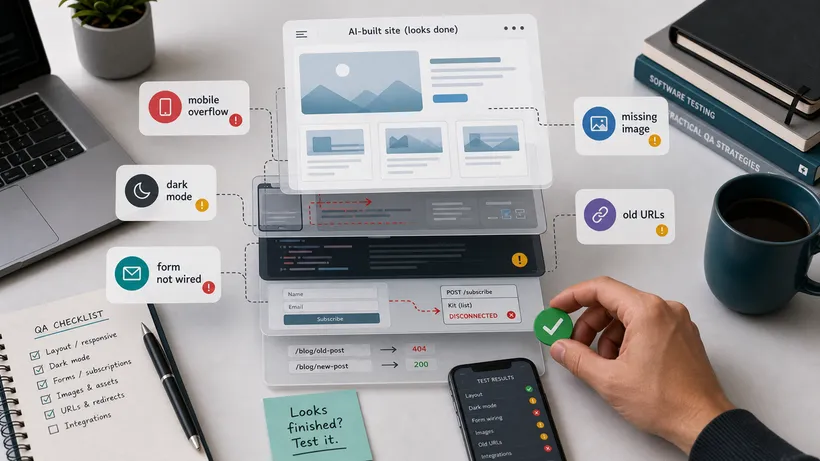
AI built my blog in a few hours. Then I spent a day and a half testing it, because looking finished is not the same as working. Here are the real bugs I found.
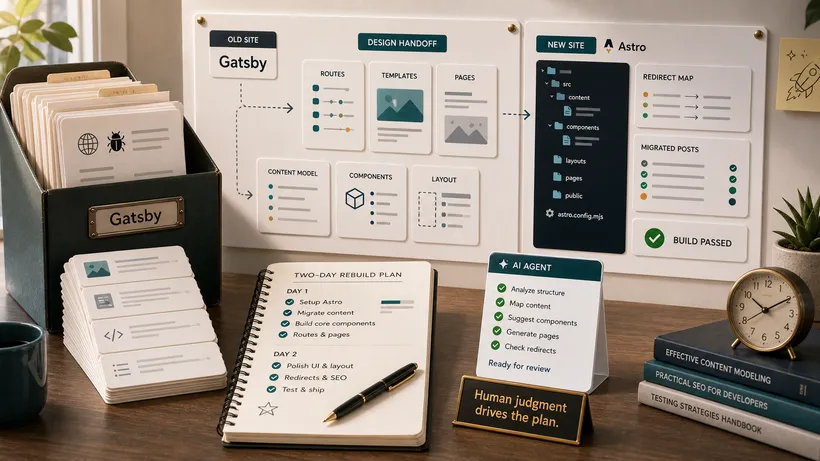
My blog ran on Gatsby since 2020 and felt dated. Here is how I rebuilt it as a modern project in two days with AI, and the parts I would not let AI decide.

For a few years I shared far less in public, even though the work itself never stopped. The honest story of why I stepped back, and how I came back on my own terms.

A test automation strategy defines the tools and frameworks used to get reusable, automated scripts, as well as how to create those scripts and maintain them.
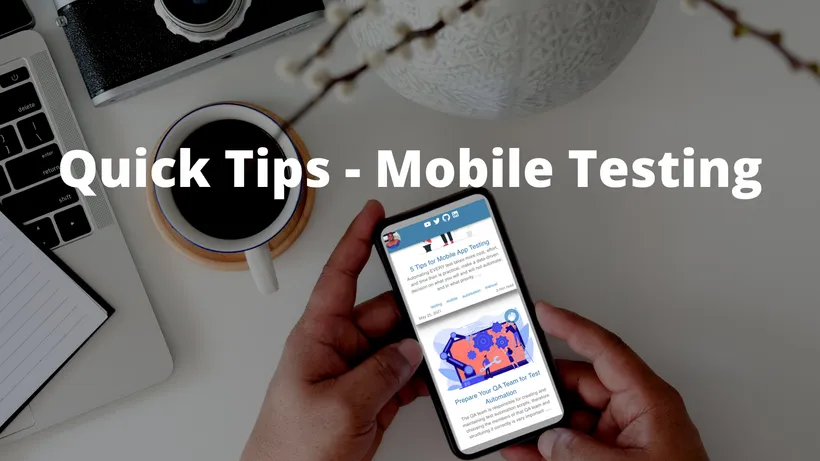
5 quick wins that you can use on your mobile app testing journey to have wider test coverage and more effective mobile testing

The QA team is responsible for creating and maintaining test automation scripts, therefore choosing the members of that QA team and structuring it correctly is very important
Automating EVERY test takes more cost, effort, and time than is practical, make a data-driven decision on what you will and will not automate; and in what priority
Types of locator strategies and importance of proper locator strategies as well as best practices to follow for testers and developers

Run automated tests on Microsoft Edge browser using WebdriverIO.
Learn how to add tags to your gatsby blog. This allows users to easily find posts with the same tags, providing a better user experience
Form validation can cause headaches and may result in stress. Learn how to validate your React forms using Formik and Yup
Trigger a scroll to top icon when the user scrolls to a certain view height on your Gatsby blog using React and MaterialUI

Adding Google Analytics to your Gatsby site will allow you to collect important data. It is quick to set up and easy to use.
Learn how to change your header or nav bar from transparent to solid on scroll, once it reaches a specific view height

Understand what is an HTML Attribute | How to use WebdriverIO getAttribute function | getAttribute vs getText
Understand what is getText vs getValue and resolve errrors you may get with each.

Find out how to resolve errors that sometimes occur when running your WedbriverIO tests with npm run test.

Create form in Gatsby/React that matches the design of your website and send form data to Hubspot.

Create and deploy a React app to Heroku using the Gitlab ci/cd pipeline. Test before deploying with WebdriverIO
Learn How to Automate your tests using WebdriverIO and Javascript. You will learn the WebDriverIO API, actions, wait strategies, reporting
Countless projects with great potential have tanked as a result of the inability to achieve intended product goals within the specified time frame...

With over 3 million apps available between Android and Apple, to remain competitive you must provide users with high quality, high value apps